
Autonomous error remediation boosts AI coding agents with live context
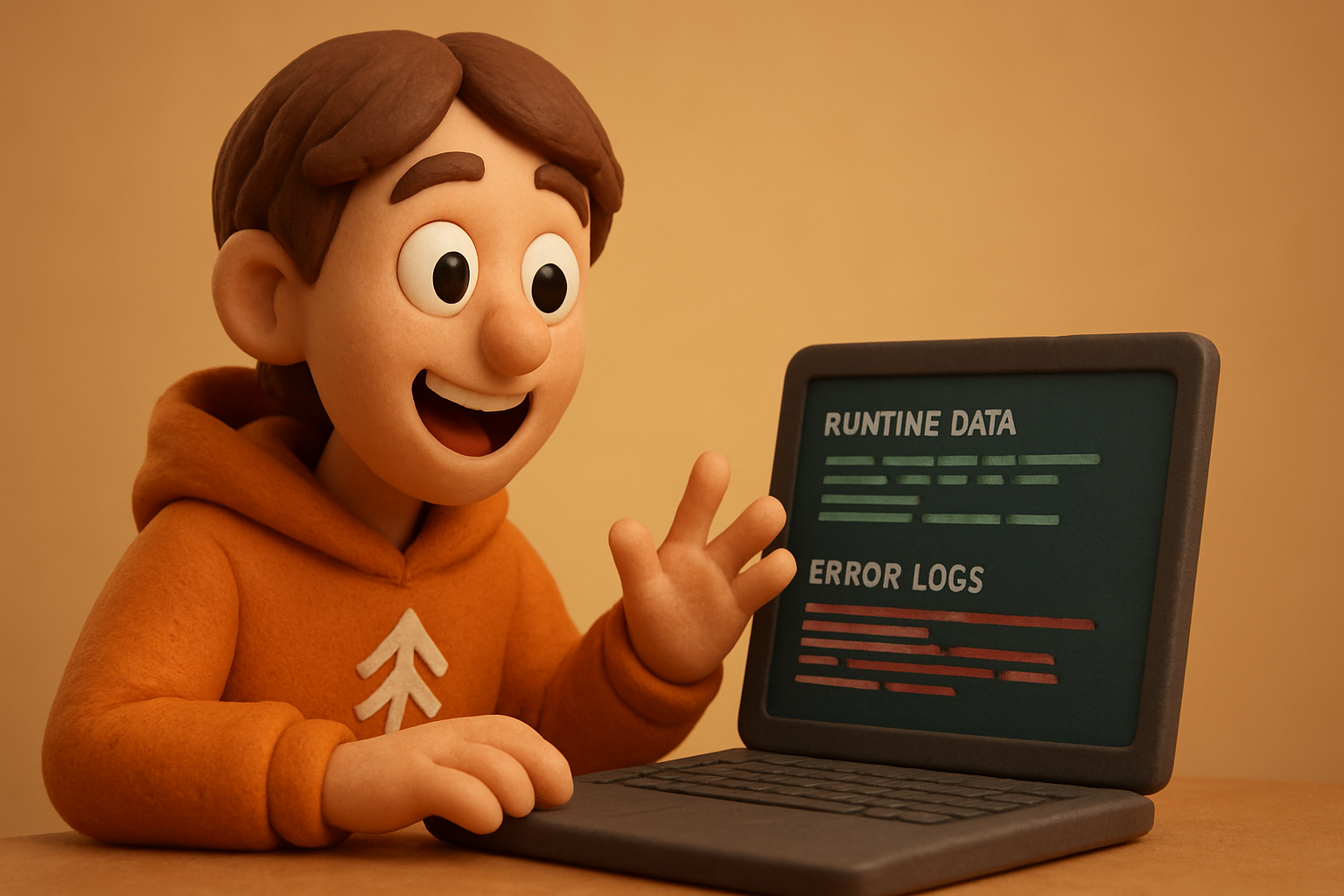
Production outages don’t wait for office hours, and the reality is that manual error triage rarely scales with modern system complexity. Autonomous error remediation with Lightrun MCP is a real step forward: it arms your AI agents (like Cursor) not just with code context, but real, inspected runtime evidence. It means Sentry pings get handled, a runtime snapshot is collected — and a validated pull request drops into your review queue. This isn't a dream of “auto-healing” pipelines, but a practical way to cut production debugging time and raise the floor for code quality. Here's how Cursor and Lightrun MCP blend for hands-off, high-confidence error fixes in live services.
What is autonomous error remediation with Lightrun MCP?
Before, error remediation meant rooting around in logs or, worse, guessing at the causes from symptom reports. Autonomous error remediation with Lightrun MCP redefines this. Lightrun MCP (Monitor-Control-Perform) brings critical runtime context directly to the error remediation process, letting the AI collect live service state in the moment errors fire — not hours later.
With Lightrun’s Error Remediation skill, Cursor as a coding agent detects a Sentry error, automates runtime instrumentation, and draws on granular state snapshots for its fix proposal. This means you don't just automate triage — you automate diagnosis with evidence, not inference or guesswork.
From the official Lightrun docs: the Error Remediation skill lets AI agents “remediate issues using full runtime context, opening PRs ready for review, based on real production evidence.” In effect, MCP is the runtime context data plane, and Cursor is the AI hands — knuckles deep in live prod, but safely fenced.
Takeaway: Error remediation is no longer reactive, nor blind — MCP weaponizes your AI with just-in-time, production-grounded visibility, slashing detective work and opening the door to genuinely autonomous fixes.
How does Cursor AI use runtime snapshots to investigate errors?
Cursor’s move isn’t just “AI coding.” It’s runtime error debugging automation with a genuine context advantage: live, targeted snapshots taken automatically on error trigger — say, from a Sentry report. This is not log-chasing or “RCA by hope.” It’s evidence-driven diagnosis.
Here's the core flow:
- Production error event (e.g. from Sentry) triggers Cursor.
- Cursor, using Lightrun MCP, instruments just the failing service function.
- It captures a live snapshot of relevant variables, call stack, and state.
- That transient state is preserved for analysis — but not persisted in a way that risks data exposure.
Because the snapshot is scoped and isolated, you avoid the “needle in the haystack” problem of log-based debugging. Cursor works from real data: the actual transaction, the failing variable, the stack at the point of error. This is what breaks the cycle of “can’t reproduce” bugs.
A concrete example: standard snapshot payloads are small (configurable, typically KBs), and latency impact is minimal because instrumentation is targeted and ephemeral. With MCP, you're not hauling in every trace — just what you need, right where it counts.
Takeaway: Live service instrumentation with Lightrun MCP gives Cursor the context it actually needs, without widespread performance or security overhead. Debugging moves from after-the-fact forensics to in-the-moment investigation.
[[IMG: diagram of Sentry event triggering a Lightrun snapshot and evidence flowing to Cursor AI]]
11 production screens. Login, database, payments — all wired.
The SaaS Dashboard Kit ships everything already connected. Nothing to set up. Live demo at saas.otf-kit.dev.
How does autonomous error fixing work?
Here’s where the promise turns practical. What does the path from error to fix look like with production error fix AI at the wheel?
- An error event (like a crash or exception in production) fires.
- Cursor, guided by Lightrun Error Remediation skill, reacts immediately — instruments the live code path through MCP and collects the necessary runtime evidence.
- Using the snapshot, it diagnoses root cause based on real, not hypothetical, code execution.
- Cursor drafts a code fix, grounded in the evidence it just gathered.
- Crucially: Cursor then validates the proposed fix — typically running smoke tests or sandbox validation on the fix, aligned with the snapshot context.
- Only after validation does Cursor AI open a Pull Request, detailing evidence, diagnosis, and remediation steps, flagging it for human review.
Autonomy here is scoped and controlled — humans stay in the loop for deployment, but the AI handles everything up to and including the PR.
Takeaway: The workflow isn’t just AI-powered linting — it’s evidence-driven, autonomous PR generation, bridging the gap between error occurrence and actionable code change, with validation built in.
How to use Lightrun MCP and Cursor for autonomous remediation today
Here’s how to actually stand up this stack in your environment:
-
Install Lightrun MCP: Follow the official quickstart — this gets MCP running inside your production or staging environment. It’s as simple as:
curl -sSL | bash export MCP_API_KEY=your_mcp_api_key lightrun-mcp attach --project your-project-name -
Set up Cursor AI agent: Connect Cursor as a coding agent with MCP env vars. Usually, that means:
export CURSOR_API_KEY=your_cursor_api_key export MCP_ENDPOINT= -
Configure error event source:
Point Sentry (or your error aggregator) to deliver high-severity errors to Cursor, using a webhook or notifier:# Example: Sentry webhook endpoint for Cursor AI curl -X POST -H "Authorization: Bearer $CURSOR_API_KEY" \ -d '{ "error_event": ... }' \In real-world setups, connect your CI/CD tools to watch the generated PRs.
-
Best practices for safe live instrumentation:
- Always scope snapshot probes to failing endpoints/classes — avoid blanket tracing in prod.
- Use roles and resource policies on both MCP and Cursor — snapshot only what matters.
- Mirror the setup in a staging environment for dry runs before production rollout.
- Monitor all PRs generated in VCS (GitHub/GitLab) with automated test gating.
-
Review and approve fixes: Production error fix AI gets you to a validated, evidence-backed PR, but treat AI as a teammate, not a replacement. All PRs need human review for safety and security before merge:
# Example: viewing Cursor-generated PRs
gh pr list --author cursor-ai --label error-remediation
gh pr diff <pr_number>
Takeaway: Developers and DevOps engineers can turn on autonomous error remediation — not just for demo, but for production — by wiring Cursor and Lightrun MCP together, scoping live probes, and enforcing real review.
[[IMG: workflow diagram: Sentry → Lightrun MCP snapshot → Cursor diagnosis → PR → human approval]]
What are the benefits and limitations of autonomous error remediation?
Autonomous error remediation with Lightrun MCP and Cursor isn’t a blanket solution, but it’s real use:
-
Benefits:
- Cuts mean time to resolution (MTTR) drastically — errors can iterate from Sentry ping to validated PR in minutes, no idle handoff.
- Significantly boosts developer focus: repetitive detective work gets handled by the AI agent.
- Fixes are grounded in runtime evidence, not stack traces alone — accuracy and confidence are up, especially in ephemeral or non-reproducible bugs.
-
Limitations:
- No AI is infallible: particularly gnarly or context-specific bugs can mislead, leading to inaccurate PRs (“fixes” to the wrong code path).
- False positives or misfires are rare but exist, so a tightly enforced human approval loop is non-negotiable.
- Security and privacy in live snapshotting: snapshot payloads are small and scoped, but need review and audit policies.
Early user feedback highlights how the AI/human PR handoff becomes the new operational chokepoint — approval, not triage, is where your cycle time now pools. Treat this as a process evolution, not an off switch for engineering discipline.
Takeaway: The balance of automation and control is real; AI brings error remediation throughput up, but no ops team should skip human review and runtime safety guardrails.
The durable layer: why runtime context matters under the AI tool churn
What doesn’t change, even as agents and skills evolve? Reliance on runtime context is the hard-won lesson. Whether you use Cursor, Copilot, or tomorrow’s coding agent, the layer that matters for reliable production fixes is access to real execution evidence — not logs, not intuition, not hope.
Lightrun MCP is the durable, vendor-neutral layer: it gives any AI agent access to just-in-time, live production data in a safe, policy-controlled way. The AI agent might change — your runtime evidence plane does not.
This is the model going forward: pair your preferred AI with a solid, composable context layer, and you’ll never find yourself locked into black-box guesswork or hand-wavey code changes again.
Closing thoughts
Autonomous error remediation with Lightrun MCP — paired with skillful AI like Cursor — is more than productivity flex; it transforms the practical realities of production error handling. By wiring live runtime context straight into the AI coding loop, developers trade reactive triage for rapid, evidence-driven PRs, without sacrificing control. The future is now: explore the Lightrun docs, stand up the stack, and let AI do what it does best, with production safeguards in place.
Originally published at otf-kit.dev — full-stack kits your AI coding agent can actually ship to production. See the kits →
Ship the product, not the setup.
- 11 production screens — auth, billing, team, analytics, settings
- Real database, payments, and login — all wired on day 1
- AI configs pre-tuned so your agent extends instead of regenerates